


The best professional image is not the most polished one. It is the one a colleague recognizes before you have to explain it.
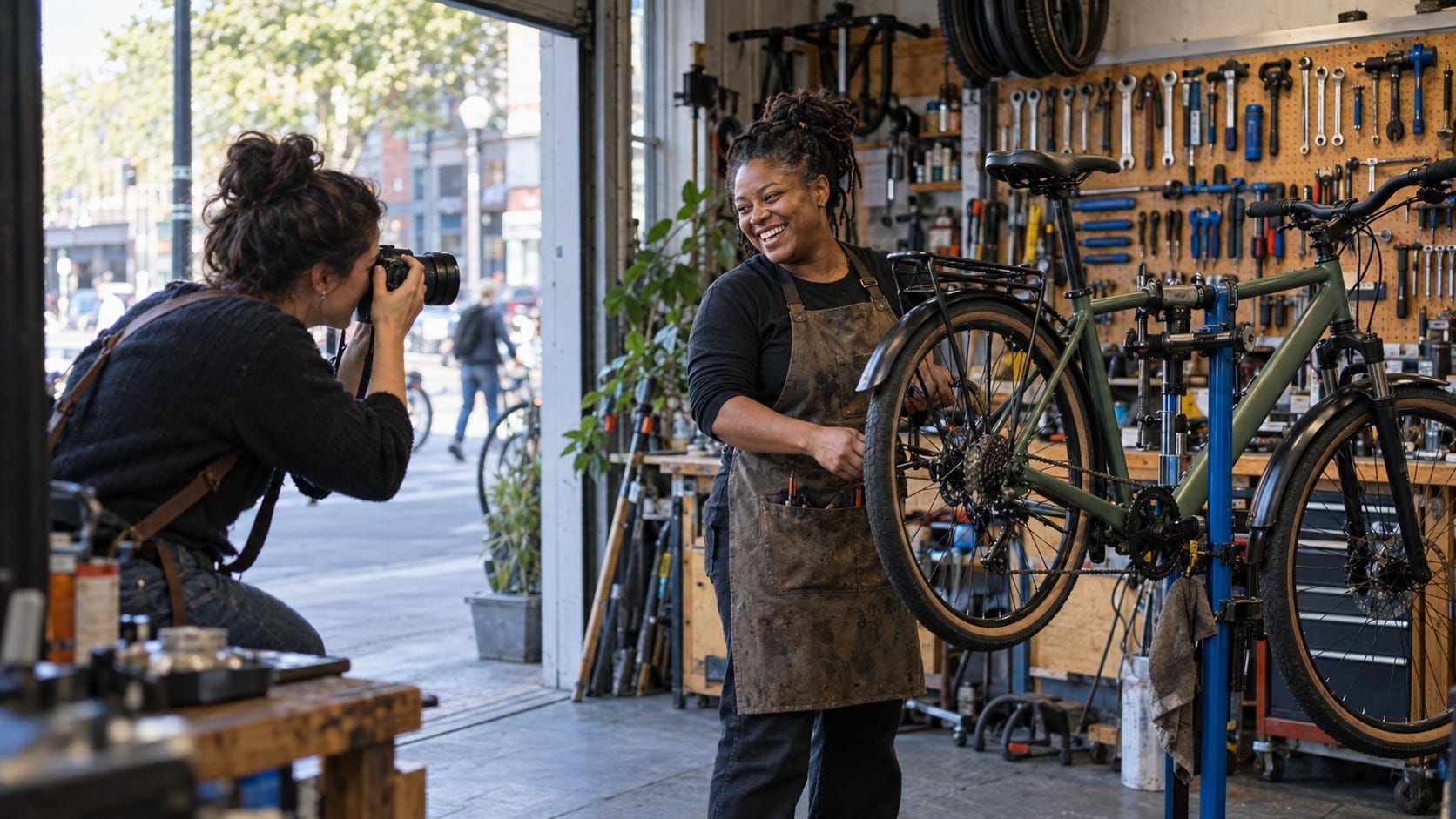
A strong professional image gives people a true first impression of how you show up in your work.
AI headshots have made a formerly awkward task feel almost too easy. Upload a few photos. Pick a background. Receive a gallery of cleaner skin, sharper clothes, better light, and a version of yourself who appears to have slept eight hours every night of their career.
That convenience is real. So is the risk. A headshot can look objectively impressive and still make a personal brand feel less credible. The problem is not that AI was involved. The problem is the tiny pause a viewer feels when the face, expression, age, style, or setting does not match the person they meet later.
In a professional setting, your photo is not decoration. It is a promise of recognition. LinkedIn’s own profile-photo guidance allows artistic renderings, but says the image must reflect your likeness. That is a more useful standard than arguing about whether an image is “real” enough.
Use AI to remove friction, not to invent a more marketable stranger.
This is a practical guide to AI headshots for personal branding: when they can help, when they are the wrong tool, and how to run a likeness test before one becomes the face of your work.
The new question is not “Can AI make me look professional?”
It can. The more useful question is: Will this photo make the next interaction easier?
That interaction might be a client joining a call, a recruiter opening your profile, an event organizer looking for a speaker, or a former colleague deciding whether to answer your message. A good image lowers the mental effort of connecting the person on the screen with the person in the room.
Most articles about AI professional headshots concentrate on tool choice, quantity, speed, and studio-like results. Those are production questions. A personal brand needs a trust question. Does this image accurately convey the person’s current identity, the kind of work they do, and the level of formality their audience expects?
A recent Associated Press guide to authentic headshots makes the common-sense point well: a noticeable gap between a portrait and how someone looks in person can erode trust. That applies to intense retouching, old photos, and AI-generated images alike.
Start with a job for the picture
Before you open a generator, decide what the image needs to do. “Look professional” is too vague. A founder trying to make partners comfortable needs a different visual signal from a freelance illustrator attracting creative briefs or an engineer documenting reliable technical work.
Write one sentence: “When the right person sees this image, I want them to expect me to be ___.” Useful answers tend to be concrete: calm and rigorous, warm and practical, inventive but grounded, direct and collaborative.
Then choose an environment that supports that sentence. A plain background can be right for a board advisor. An environmental portrait can be better for a maker, researcher, chef, coach, or community organizer. The setting should add truthful context, not a costume. A generated corner office is not evidence of leadership. A familiar workspace can be.
The context check
Ask: “Would this outfit, expression, and setting surprise a person who has worked with me recently?” If the answer is yes, use a simpler image or take a real photo. Surprise is not always bad, but it is a poor default for a professional profile.
Use the Likeness Test, not the beauty test
When you review AI headshots, the tempting choice is usually the most flattering one. Resist that reflex. Choose the image that is most accurate at a glance.
Run each candidate through five checks:
The three-second check: Show the photo to someone who knows you but has not seen the options. Can they identify you immediately?
The current-day check: Does it show your present haircut, glasses, skin tone, facial hair, mobility aid, age, and usual way of dressing? Do not trade recognizability for an imagined “upgrade.”
The expression check: Does the expression resemble how you look when you are listening or explaining something you know well? The most believable image is rarely the widest smile.
The detail check: Inspect ears, teeth, fingers, jewelry, collars, and the edge of glasses. Small distortions can make an otherwise convincing portrait feel off.
The meeting check: Picture opening a video call five minutes after a new contact has seen the image. Would they feel they met the same person?
The last question does most of the work. It protects you from a portrait that is technically beautiful but emotionally false.
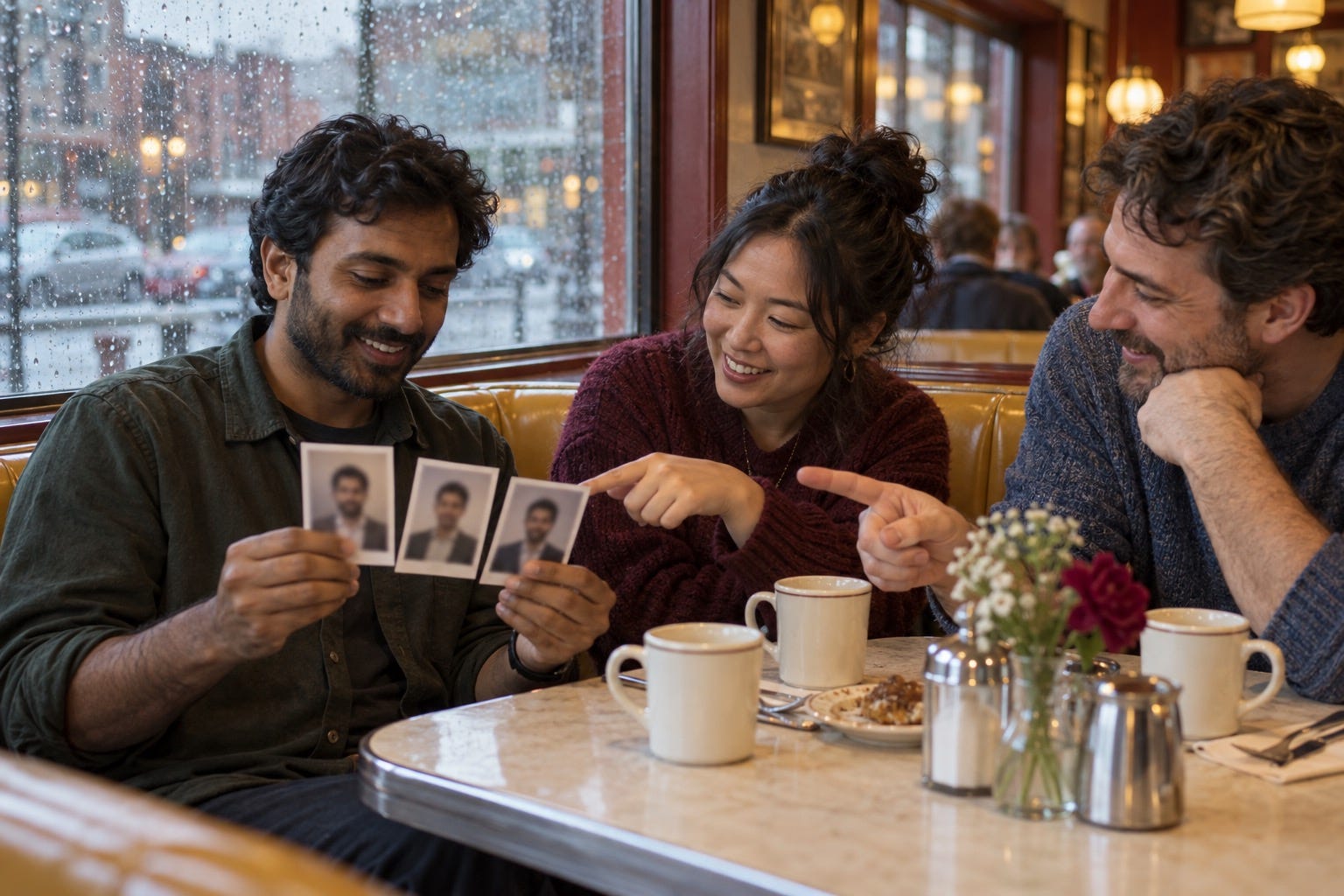
People who know you are better judges of recognizability than an image generator or a mirror.
Ask three humans before you publish
Do not ask, “Which one looks best?” That produces a beauty contest. Ask three people who know you in different contexts: a close colleague, a client or peer, and a person who sees you casually.
Give them the options one at a time. Ask:
“Does this look like me right now?”
“What would you expect from this person before meeting them?”
“Is there anything about it that feels unlike me?”
Listen especially for hesitation. “It is a great photo, but…” is useful feedback. They may be noticing a stronger jawline, unfamiliar styling, a younger-looking face, or an expression you never use. You do not need a vote. You need the pattern.
This peer check also solves a common AI personal-branding mistake: optimizing for a generic idea of executive presence. Good personal brands are recognizable because their specifics remain intact. Your distinctive hair, laugh lines, cultural dress, practical work clothes, or quiet expression may be part of what makes people remember you.
Know when AI assistance is a good fit
AI can be a reasonable option when you need a current, clean image but the full photography process is inaccessible, expensive, hard to schedule, or simply not the best use of your limited time. It can also help you explore crops, backgrounds, and wardrobe direction before a real shoot.
It is usually a weaker choice when the photograph itself needs to carry deep personal context: a book launch, a high-stakes founder story, press materials, a mission-driven organization, a speaker page, or a long-term body of creative work. In those cases, a photographer’s ability to draw out real expression, observe your work, and build a visual system around your story is part of the value.
A useful middle path is “AI-assisted, camera-rooted.” Start with a recent real photograph of yourself. Use restrained edits for crop, background cleanup, color, or wardrobe tidying. Keep your face, body, and defining features stable. This is closer to normal photo retouching than building a person from a set of aspirations.
Privacy matters before polish
Headshot tools often require several photos of your face. Read the terms before uploading. Check whether your inputs can be retained, used for training, shared with service providers, or deleted on request. Avoid uploading photos that reveal children, other people, private homes, sensitive work materials, or location clues.
Also remember that an AI image does not remove your responsibility for what it implies. LinkedIn’s current guidance on AI-assisted content asks members to review, edit, and approve what they share, and emphasizes that their public content should reflect their own identity and expertise. That is a sensible standard even outside LinkedIn.
If an image creates a material misunderstanding about your identity, seniority, appearance, or association, do not publish it. It is not a personal-brand shortcut. It is a future awkward explanation.
Disclosure is a judgment call, not a hiding game
You do not need to turn every lightly edited portrait into a technology announcement. But avoiding a label should never be the goal. The goal is an image that can stand up to ordinary human scrutiny.
There is also a practical reason to understand provenance. LinkedIn now supports Content Credentials on some media. Those credentials can provide information about an image’s origin, edits, or AI involvement. They do not prove that an image is honest, and not every modified image will carry them. They are a record, not a moral verdict.
Use straightforward disclosure when the image is heavily generated, when the audience would reasonably assume documentary photography, or when explaining the creative process adds value. A founder can say, “This portrait was AI-assisted from recent photos; I chose it because it reflects how I show up day to day.” That is more credible than acting as if the topic is forbidden.
Put the photo inside a stronger identity system
An AI headshot cannot do the work of a clear profile. It cannot make vague positioning precise, replace proof of your work, or create a point of view. Treat it as one signal in a larger identity system.
Make the image agree with the rest of your public presence:
Your headline should say who you help and what kind of problem you handle.
Your bio should use real evidence: projects, outcomes you can stand behind, and subjects you genuinely care about.
Your recent posts or portfolio should demonstrate the same tone the image promises.
Your name, role, and portrait should stay current across the places where people verify you.
This consistency matters more as audiences become familiar with synthetic media. People may not inspect metadata. They will notice whether the person, voice, and work all seem to belong together.

The real test is ordinary recognition: does your public image make a real introduction feel easier?
A practical publishing checklist
Before an AI-generated profile photo goes live, pause for ten minutes and check the basics:
It is based on current photos and looks like you on a normal good day.
A colleague recognizes you without prompting.
Your expression and setting fit the work you want to be known for.
The photo does not invent a credential, location, lifestyle, or identity.
You understand what happened to the input photos and can delete them if you choose.
The image is not doing all the work; your profile also contains clear, verifiable proof.
If you can say yes to those six points, an AI-assisted image may be a useful part of your personal brand. If not, take a new photo with a friend, use a self-timer near a window, or book a photographer when you can. A less polished but unmistakably true image is usually the stronger professional choice.
FAQ: AI Headshots for Personal Branding
Are AI headshots good for personal branding?
They can be, if the result looks like you now, fits your professional context, and is reviewed by people who know you. A polished image that changes your identity is weaker than a simple, recognisable photo.
Can I use an AI headshot on LinkedIn?
LinkedIn’s published guidance focuses on whether your profile photo reflects your likeness and your profile accurately represents you. Read the current rules, use your own recent images as the source, and avoid presenting a materially altered identity.
How can I make an AI headshot look more authentic?
Use varied, recent source photos; choose a modest result; keep your familiar hair, glasses, skin texture, and expression; and ask colleagues which option they recognize fastest. Avoid extreme smoothing, luxury settings you never occupy, and unfamiliar styling.
Should I disclose an AI-generated professional headshot?
There is no universal answer for every light edit. Consider disclosure when the image is substantially generated, when your audience expects documentary photography, or when transparency helps rather than distracts. Never treat non-disclosure as a way to conceal a misleading image.
Are AI headshots safe to upload?
Safety depends on the provider’s privacy and retention practices. Read the terms, understand how source images are stored or used, avoid uploading sensitive photos, and delete your data when the service allows it.
Is an AI headshot better than hiring a photographer?
It solves a different problem. AI can reduce cost and scheduling friction. A photographer can create a more personal, context-rich, and durable body of images. Choose the option that best supports the trust your work requires.
This article is educational guidance, not platform-policy or legal advice. Platform features and policies can change; check the source links before making a publication decision.