


A practical, trust-first system for creating the real images your LinkedIn profile, website, newsletter, speaking bio, and content actually need.
The fastest way to make your personal brand feel generic is to use one stiff headshot everywhere—or to replace your real life with polished images that never happened. Neither gives people much to believe. One says, “I have not updated this in years.” The other says, “I may not be the person you expect when we meet.”
A better answer is a personal brand photo library: a small, purposeful collection of images that helps people recognize you, understand your work, and feel more certain that you are real. This is not about becoming the main character of every post. It is about removing friction from trust. When a potential client, recruiter, collaborator, or reader encounters you in several places, the visual story should make sense.
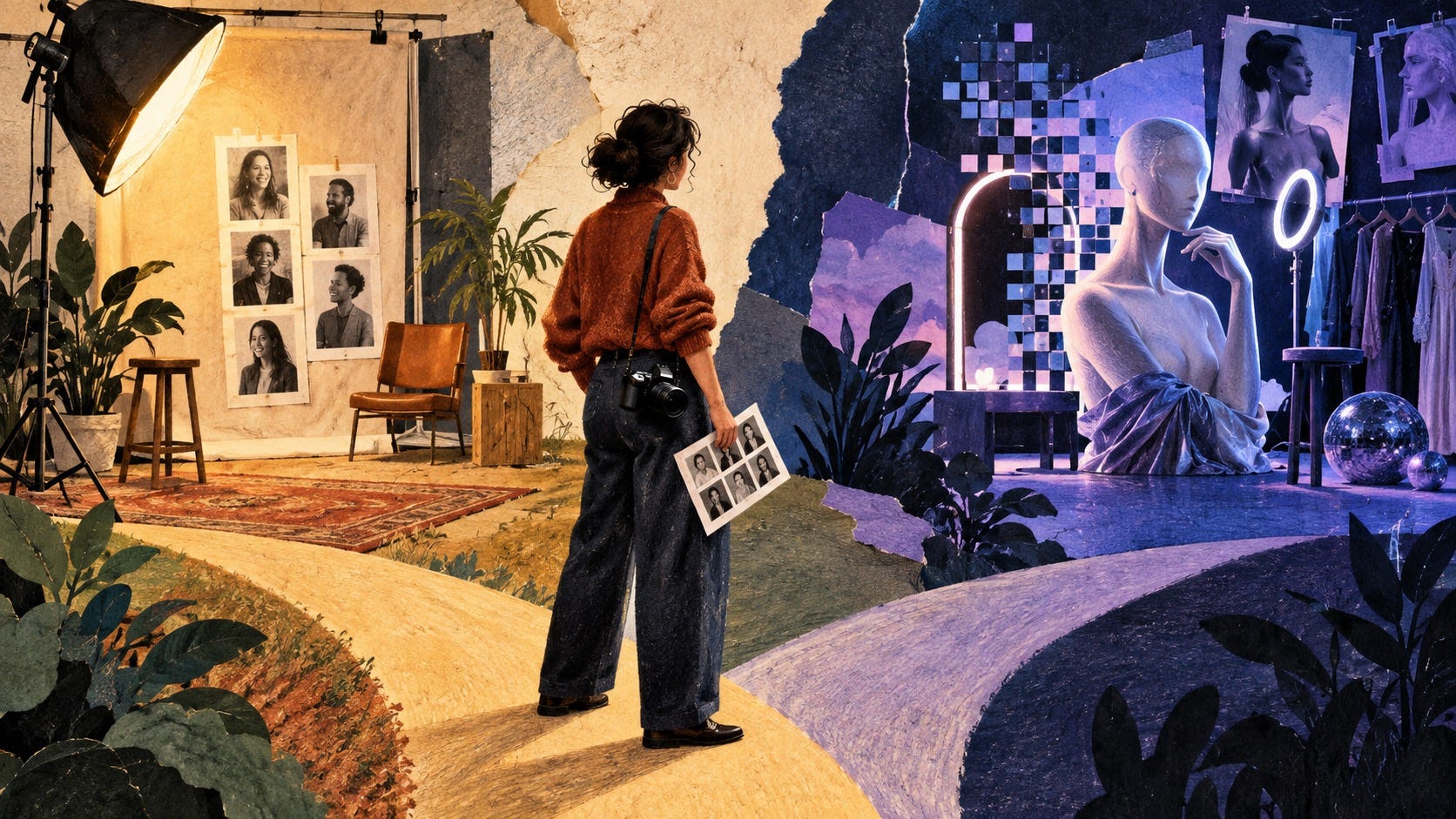
AI can make this easier. It can help you decide what to capture, sort an overwhelming camera roll, propose crops, draft a shoot brief, and identify gaps. It can also make it tempting to create a fictional version of your life. The useful dividing line is simple: use AI to make your real work easier to see, not to manufacture proof you do not have.
Why one headshot cannot carry your whole personal brand
A profile photo has one job: help someone recognize you. It cannot also show how you work, what you care about, where your expertise lives, or what it feels like to collaborate with you. That is why the same immaculate face, repeated across every page and post, can start to feel like a logo rather than a person.
People do not decide whether to trust a professional from one visual cue. They assemble an impression. A strong personal brand photo library gives that impression depth without requiring constant self-promotion. A founder might show a working session, a customer conversation with permission, a thoughtful moment before a talk, and a plain current portrait. A technical expert might show a whiteboard explanation, a laptop work-in-progress, a conference hallway, and a home workspace. A job seeker might show a current headshot, a project artifact, a presentation moment, and an image that hints at personality.
Think in trust questions, not photo types. Each image should answer one question a stranger may silently ask: “Who is this?” “What do they actually do?” “Have they done it in the real world?” “Could I imagine working with them?”
Start with a four-part visual brief
Before you book a photographer, open an image generator, or ask a friend to take pictures, write four sentences. This is the decision tool that keeps a photo library from turning into a random album.
1. Name the audience and moment
Be precise about who will see the images and what they need to decide. “Potential clients who land on my consulting site” requires a different image from “recruiters evaluating a career switch” or “podcast hosts deciding whether to invite me.” You are not styling a vague brand. You are helping a real person cross a small trust gap.
2. Choose three proof themes
Pick three things your images can honestly reinforce. A product leader might choose strategic thinking, team collaboration, and curiosity. A designer might choose craft, facilitation, and warmth. A fractional executive might choose calm judgment, operational depth, and boardroom clarity. These are not personality adjectives for a mood board. They are visible promises.
3. Decide the boundaries
Write down what you will not pretend to show. Do not generate yourself on a keynote stage you have never visited. Do not create a client meeting that did not happen. Do not alter your age, body, race, ability, or appearance until people who meet you would feel misled. You can choose flattering light. You cannot use flattering light as an excuse to invent a biography.
4. List the surfaces that need images
Make a practical list: LinkedIn profile, website home page, About page, speaker bio, newsletter profile, podcast page, social posts, and press mentions. This turns “I need more photos” into a finite project. It also exposes why a single square headshot cannot do all the work.
Build the minimum viable personal brand photo library
You do not need fifty images before you publish anything. Start with twelve to fifteen usable images, gathered across a real shoot, existing camera roll, and ordinary work week. The goal is range with coherence.
Two current recognition photos: one close, one wider. These are for profiles, bios, and bylines.
Three working-context photos: teaching, analyzing, sketching, building, writing, interviewing, or preparing. Show the kind of work you truly do.
Two interaction photos: a conversation, workshop, interview, or event. Get permission before using anyone else’s face.
Two environmental photos: a workspace, tools, a notebook, a screen detail, a studio, or another honest clue about your process.
Two perspective photos: candid images that show energy, scale, or movement without looking staged.
Two human-context photos: a genuine interest, place, ritual, or behind-the-scenes moment that makes you easier to remember.
Notice what is missing: stock “success” gestures, rented luxury, and generic coffee-shop scenes that could belong to anyone. A photo earns a place when it creates recognition or evidence. If it does neither, it may be attractive, but it is not doing personal-brand work.
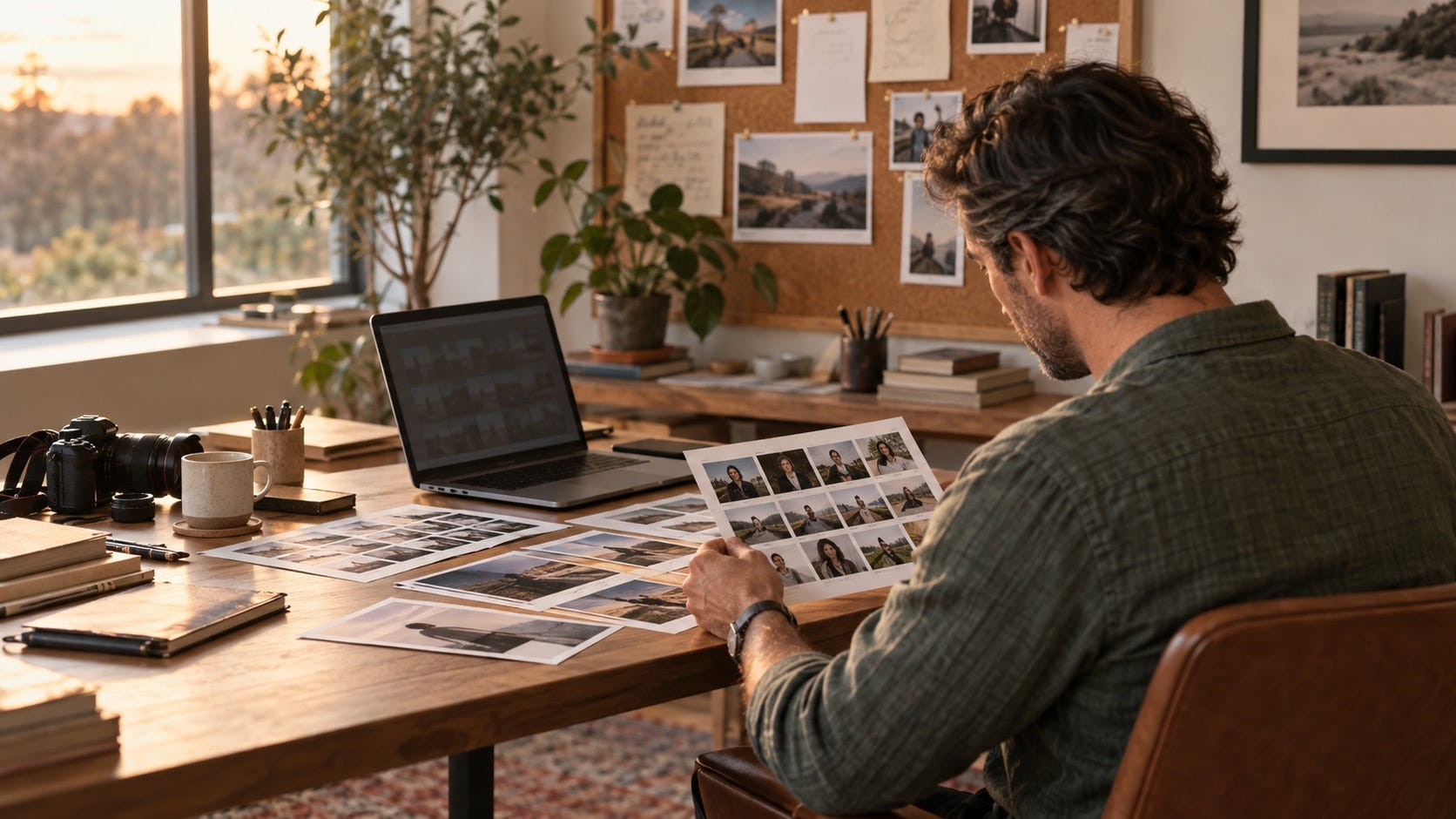
Use AI as a planner, librarian, and editor
The highest-value AI use usually happens before and after a photo is taken. It reduces planning fatigue and helps you reuse what is real. Start by feeding an AI assistant your four-part brief and asking for a shot list that includes a purpose for every image. Then revise it like an editor. Remove anything you cannot honestly capture. Add the awkward-but-true realities of your work: the whiteboard, the field notes, the customer research, the tools, the preparation.
Try this prompt: “I am a [role] serving [audience]. I want my images to reinforce [three proof themes]. Create a fifteen-image personal brand photo library shot list for LinkedIn, my website, and a speaker bio. For each image, state the trust question it answers, a real setting I could use, and the best crop. Do not suggest fictional accomplishments, fake meetings, luxury props, or text in images.”
After a shoot, AI can help you tag images by use: profile, website hero, post accompaniment, speaker page, process, or personality. It can suggest a crop for a vertical post or identify duplicates that make your library feel repetitive. It can draft descriptive alt text. It can help create a simple naming system so you do not keep using the same photo because you cannot find the others.
AI editing is also useful when it behaves like a careful assistant. Correct exposure. Remove a temporary blemish. Expand a crop with neutral background. Reduce clutter. Adjust an image so it fits a banner. These choices preserve the event that happened. The test is whether the person who meets you, enters your workspace, or joins that event would recognize the claim the image makes.
The authenticity test for AI-assisted photos
There is a big difference between polish and fabrication. The easiest way to navigate it is to run every AI-assisted image through four questions before it becomes part of your public identity.
Is the person recognizably me now? A current, flattering image is fine. A younger, thinner, differently featured, or implausibly perfect version creates a future trust problem.
Did the context happen? Retouching a real workshop is different from generating yourself leading one.
Would a reasonable viewer infer a false credential? Be especially careful with speaking stages, awards, client logos, prestigious locations, and team photos.
Would I be comfortable explaining this image in one plain sentence? If the answer needs a long defense, do not use it as proof.
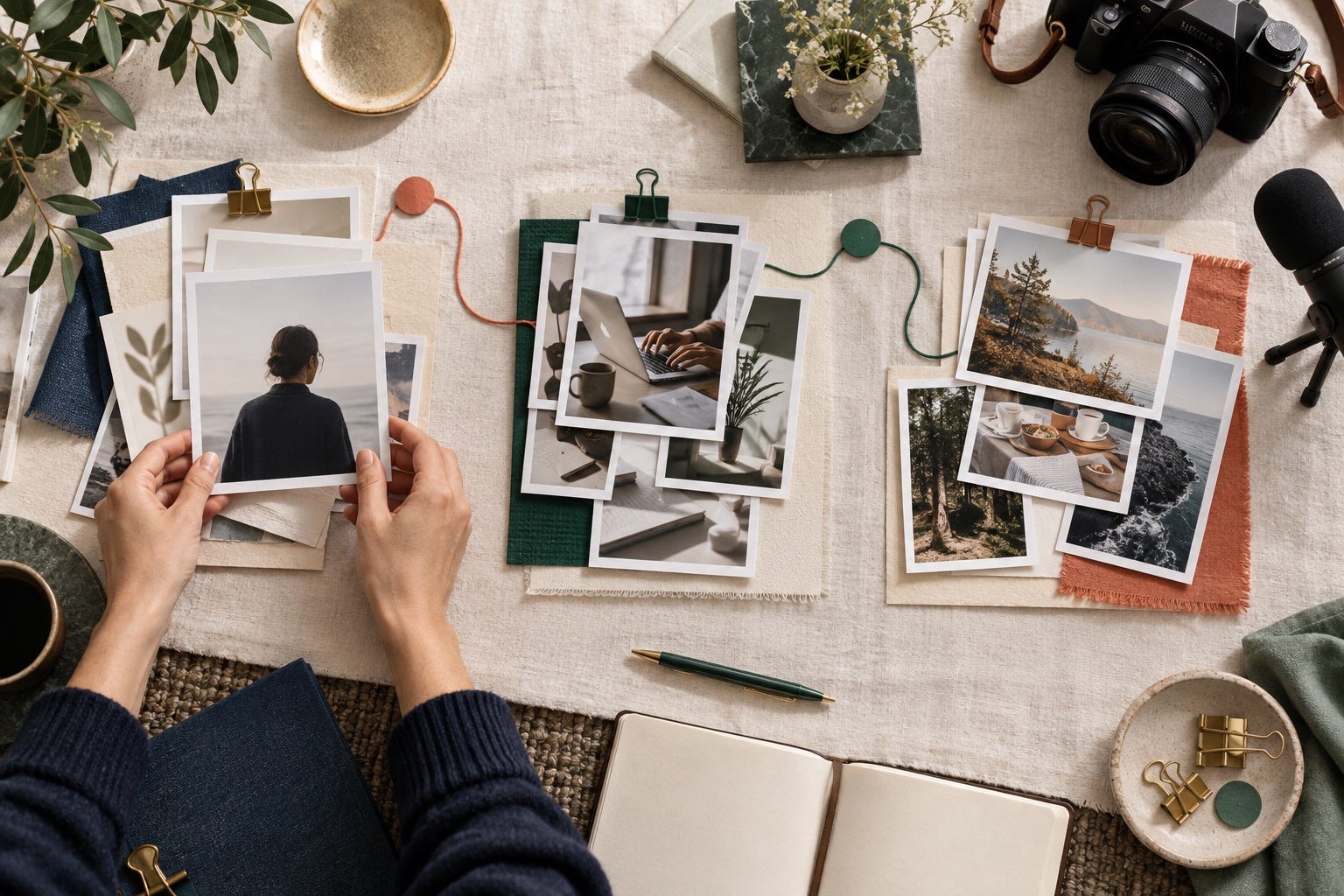
Disclosure does not always require a label under every crop or color correction. But when an image is materially synthetic, unusually altered, or could be taken as evidence of an experience, clear context is kinder than clever ambiguity. The goal is not to prove your purity. It is to avoid charging a trust debt you will have to repay later.
Make the library coherent without making it sterile
Consistency should come from a few repeated choices, not one frozen aesthetic. Choose a simple color range, two or three places you genuinely spend time, and a level of formality that matches how people encounter you. If you always work in a crisp jacket, use that. If your best conversations happen over a sketchbook in a bright room, use that. The visual throughline is not “every image has the same background.” It is “the same person seems to be doing work they actually care about.”
Create a small folder structure: Profiles, Work, Interaction, Environment, Human, and Archive. Rename the finalists with the date, setting, orientation, and intended use. The habit is boring, which is exactly why it works. When a new opportunity appears, you will have a useful image ready instead of reaching for an old headshot or fabricating a new scene.
Put each image where it earns its place
Use the clearest recognition photo for LinkedIn and short bios. Use a wider, quieter image for a website hero so the page can explain your work without shouting. Use working-context images beside a case study, article, or project recap. Use interaction images only when they add meaning, not as a trophy wall. Use human-context images sparingly in newsletters and social posts when they deepen a story or make a lesson more memorable.
Do not post your face merely because an algorithm might reward it. Pair an image with a point of view, a useful observation, or a piece of proof. A photo can earn the first second of attention. Your judgment has to earn the next minute.
A 90-minute reset you can do this week
Spend fifteen minutes writing the four-part visual brief.
Spend twenty minutes flagging existing photos that are current, recognizable, and honest.
Spend twenty minutes using AI to draft a gap-aware shot list and cut anything fictional.
Spend twenty minutes scheduling a friend, photographer, coworker, or solo tripod session around three real settings.
Spend fifteen minutes creating the folder system and updating your most important profile image.
You are not trying to look more famous. You are trying to make it easier for the right people to recognize your work, your standards, and the person behind them. That is a much more durable kind of visibility.
Frequently asked questions
How many photos should be in a personal brand photo library?
Start with twelve to fifteen distinct, usable photos. Add images over time when they show new work, a new setting, or a meaningful change in how you want to be known. A small library with range is more useful than a hundred near-duplicates.
Can I use AI-generated photos for personal branding?
Yes, with caution. AI is safest when it plans, organizes, crops, or lightly improves real images. If it generates a new image of you, make sure you remain recognizable and that it does not imply a false setting, achievement, relationship, or credential.
What personal brand photos work best on LinkedIn?
Use a current, clear profile image first. Then choose post images that support the point you are making: a process image for a lesson, a real event image for a reflection, or an environmental image for a behind-the-scenes observation. The image should never have to carry an empty post.
Do I need to hire a photographer to build a personal brand photo library?
No. A photographer is valuable for important recognition and website images, but you can build a credible starter set with good window light, a phone, a tripod or friend, and real work settings. The strategic brief matters more than expensive gear.
Should every personal brand photo have the same colors and outfit?
No. Aim for a coherent level of formality, a few repeatable settings, and an overall feeling that matches your work. Too much sameness makes the library look staged. The person and the point of view should be consistent; every frame does not need to be.
When should I update my personal brand photos?
Update your core profile photo when your appearance has meaningfully changed or when it no longer resembles the person someone will meet. Add working and contextual photos continuously as your work evolves. A library is a living record, not a once-a-decade photo shoot.